Video tutorials & feature demos
See how each feature works, what it helps you do, and where it fits in your assessment workflow.
English narration and captions. Demonstration with sample data. Open MP4
Read the video transcript
A results page should help you decide what to do next.
Examifo reports show completion, scores, and work awaiting attention.
Open the underlying assessment to review responses and question-level detail.
The benefit is a shorter path from results to a teaching or grading action.
Book an Examifo demo for your institution.
Reports and question insights
Prioritize incomplete work, pending grading and difficult questions.
What this feature helps you do
- Review completion and scores
- Find pending reviews
- Open supporting assessment detail
All feature demos
Choose a topic to watch its screen demo or animated overview.
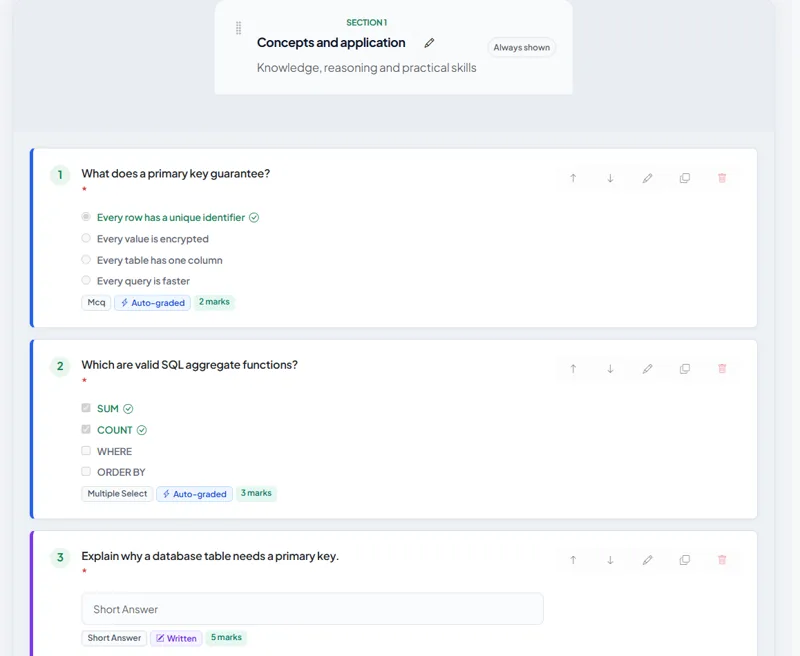 Duration 0:22
Exam builder
Build the exam around your subject
Watch demo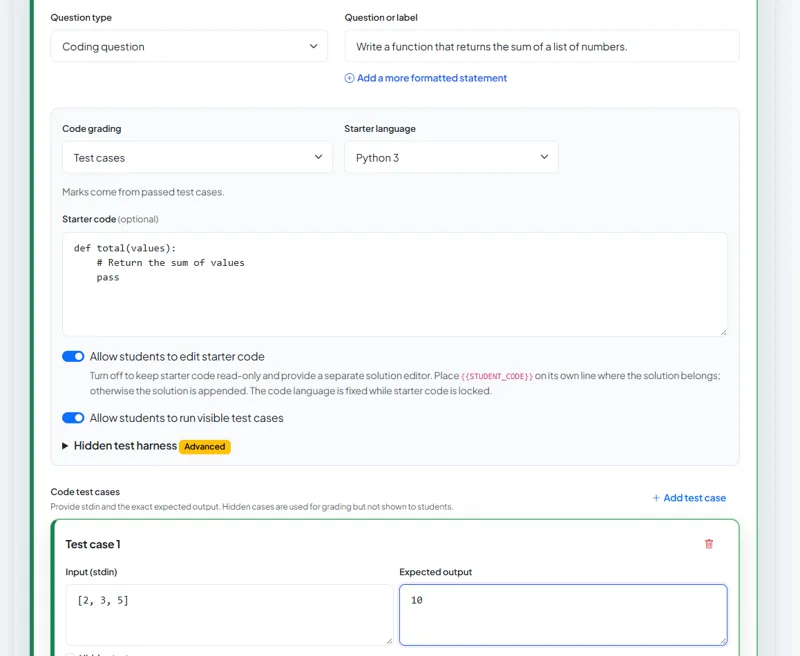 Duration 0:26
Question formats and coding
Assess more than recall
Watch demo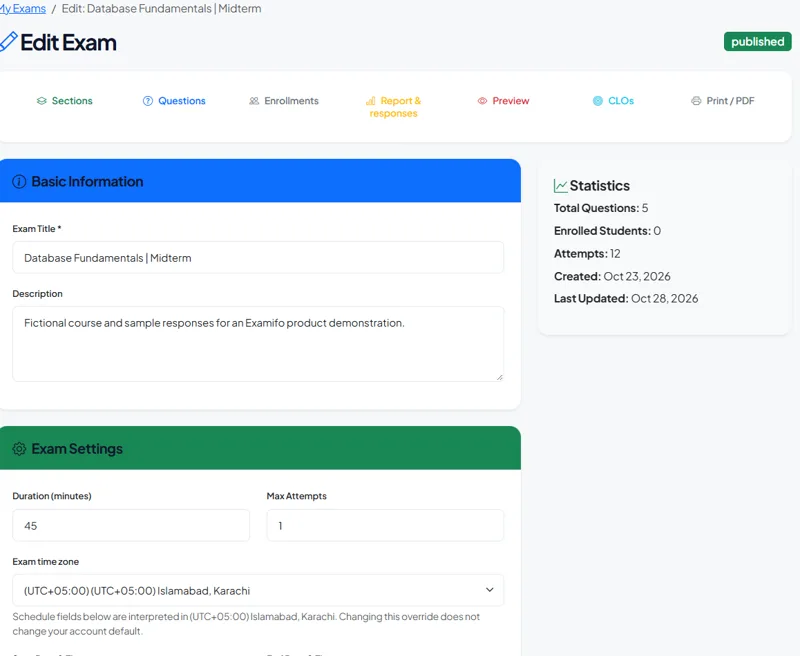 Duration 0:24
Access and delivery controls
Set the rules before the first answer
Watch demo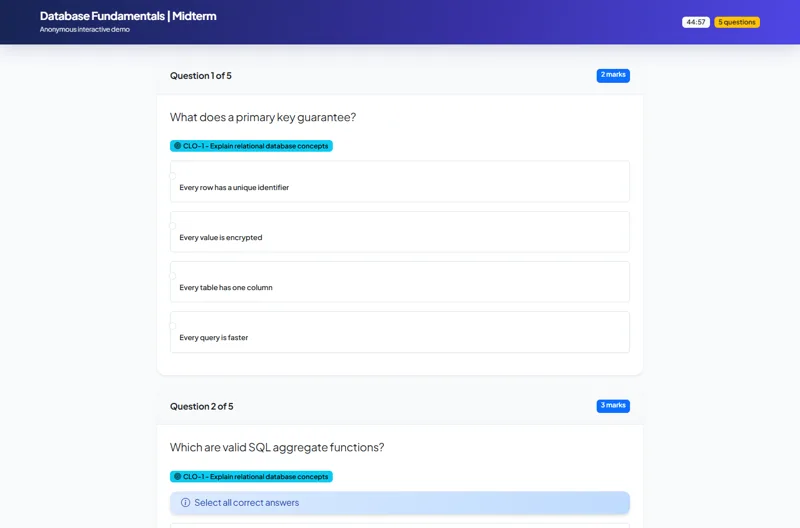 Duration 0:24
Student exam experience
Keep attention on the next answer
Watch demo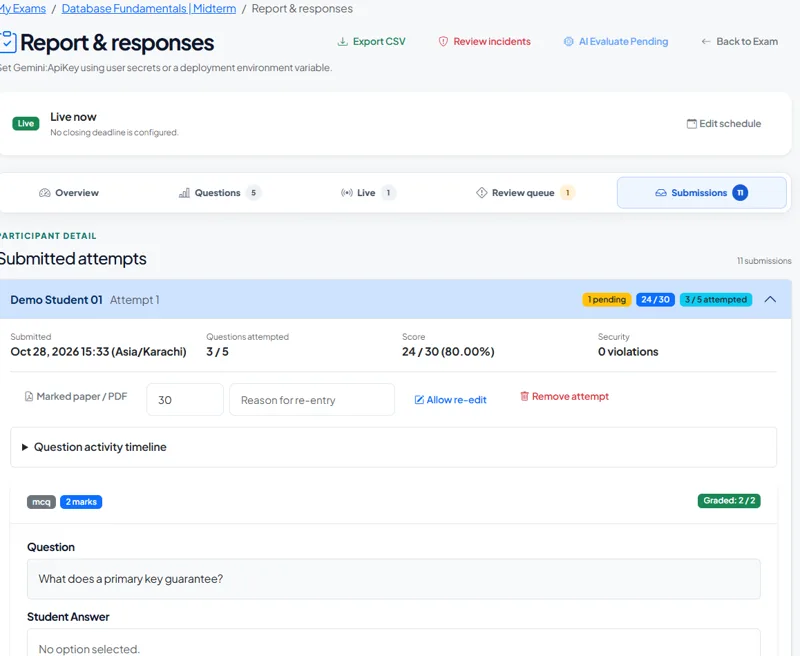 Duration 0:25
Grading and teacher review
Move from answers to useful feedback
Watch demo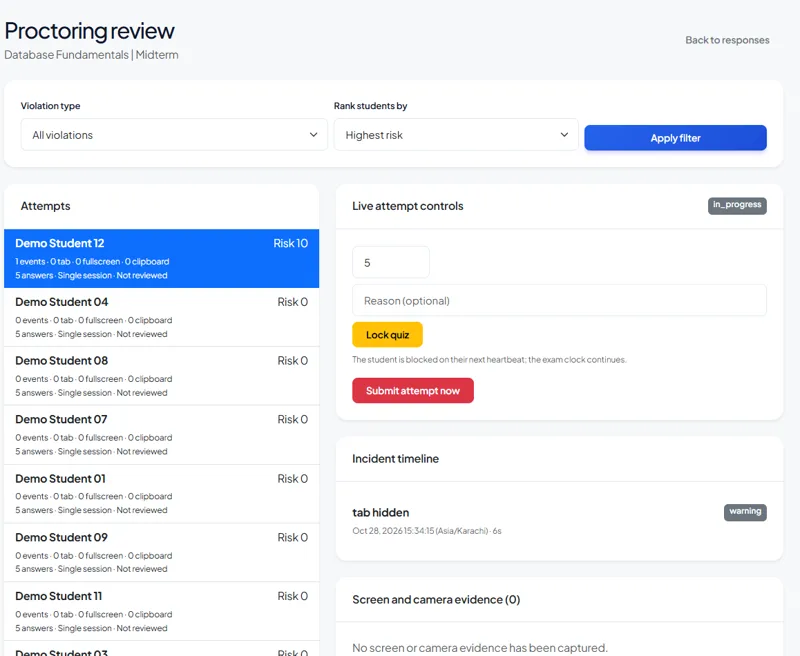 Duration 0:24
Proctoring and incident review
Give invigilators context for decisions
Watch demo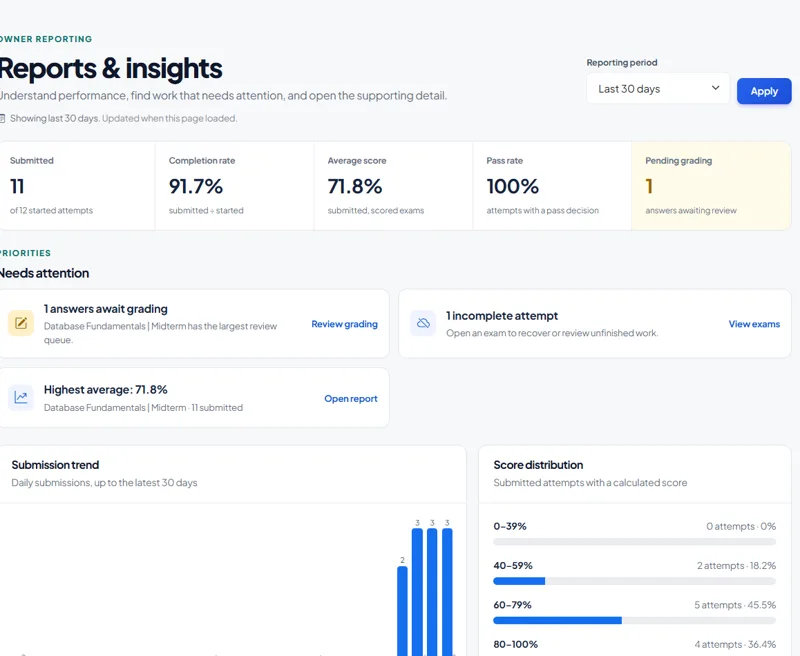 Duration 0:24
Reports and question insights
Find the work that needs attention
Watch demo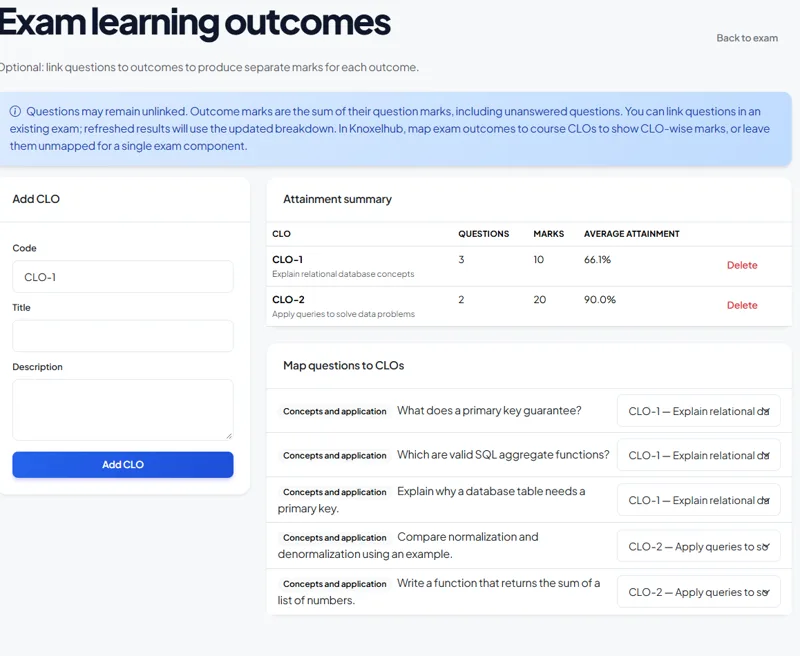 Duration 0:22
Course learning outcomes
Show what the score is made of
Watch demo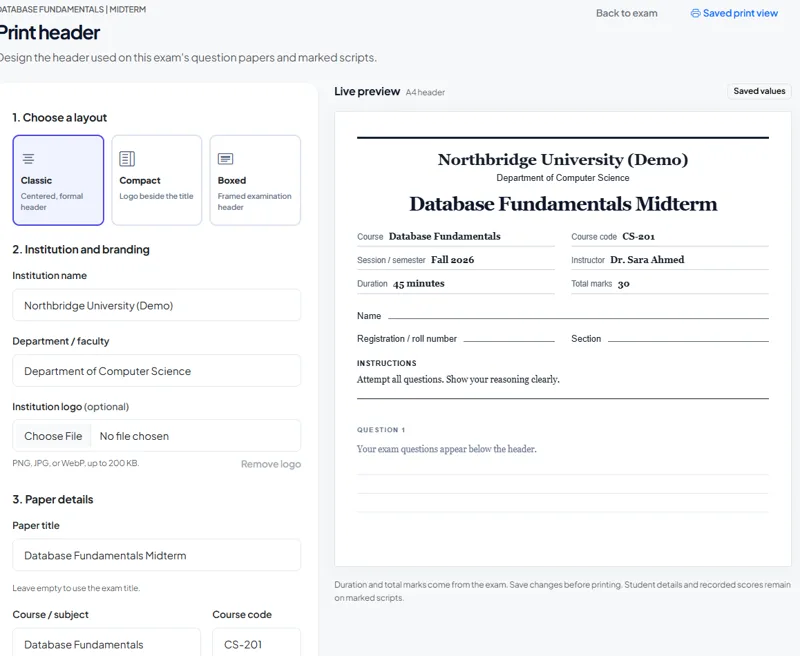 Duration 0:24
Question papers and marked scripts
Keep digital and printed papers aligned
Watch demo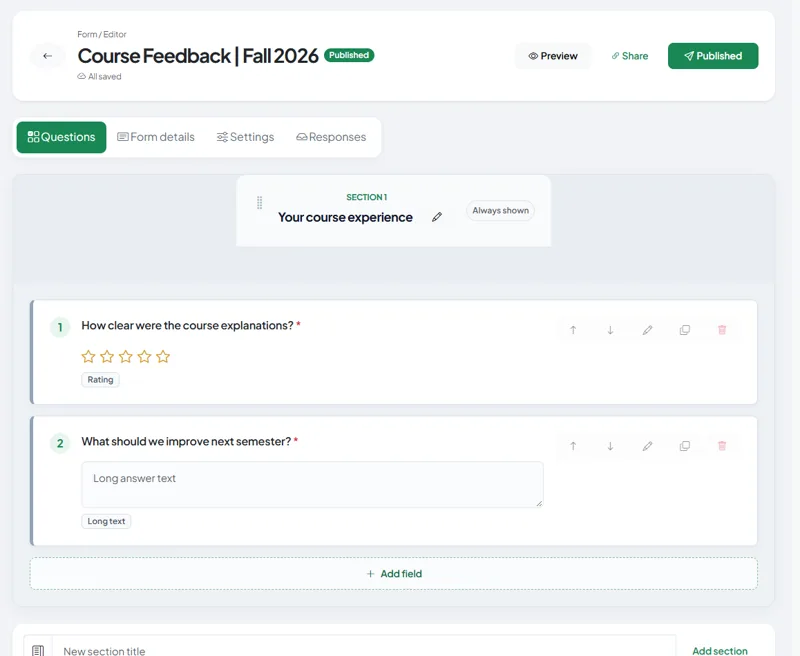 Duration 0:25
Forms and course feedback
Bring course feedback into the same workspace
Watch demo